MerchantsShop
Your shop
A text-only page of your own at <name>.fianto.xyz where visitors buy your products, built and published from the dashboard.
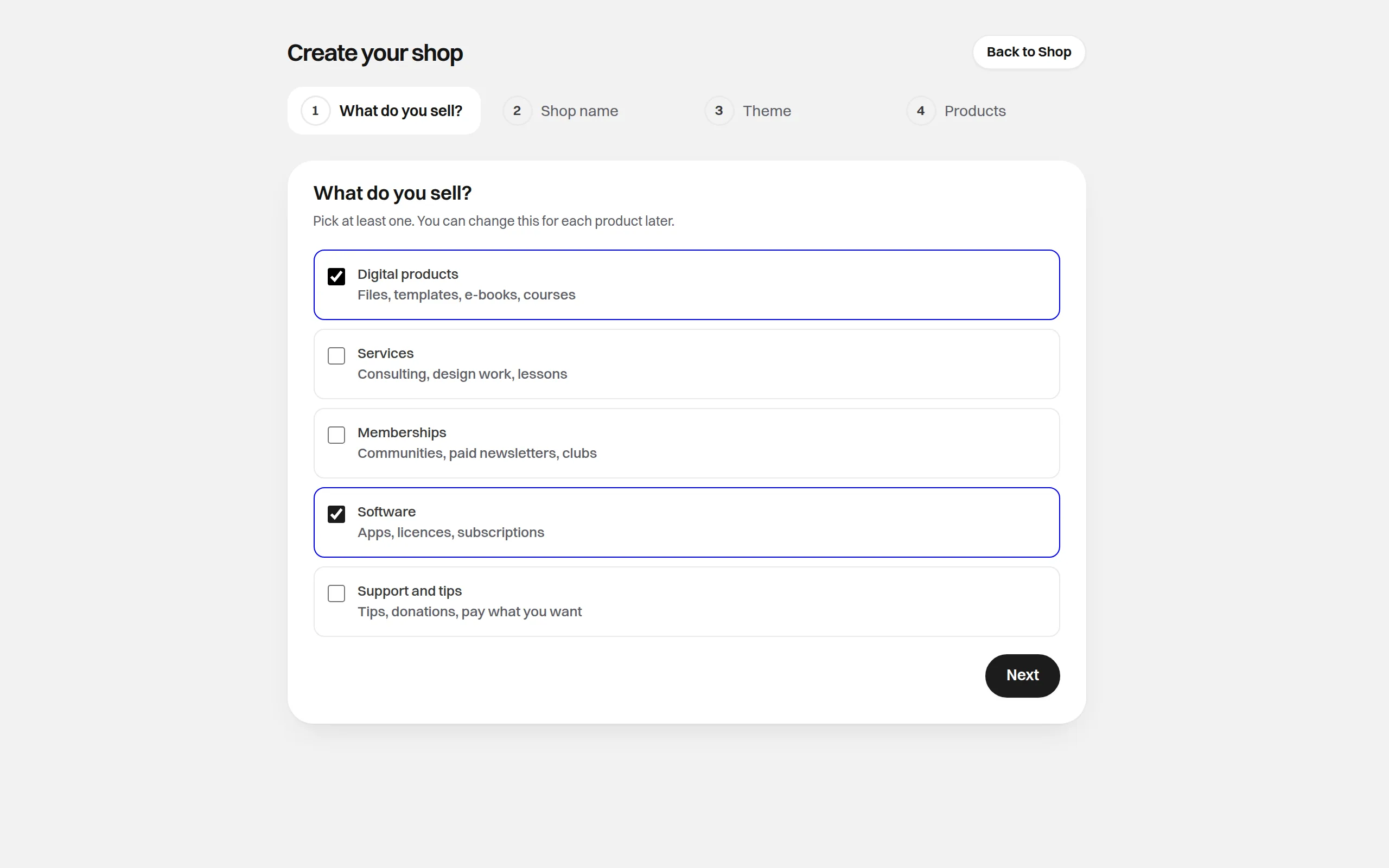
Your shop is a page of your own at https://<name>.fianto.xyz where visitors buy your products. You
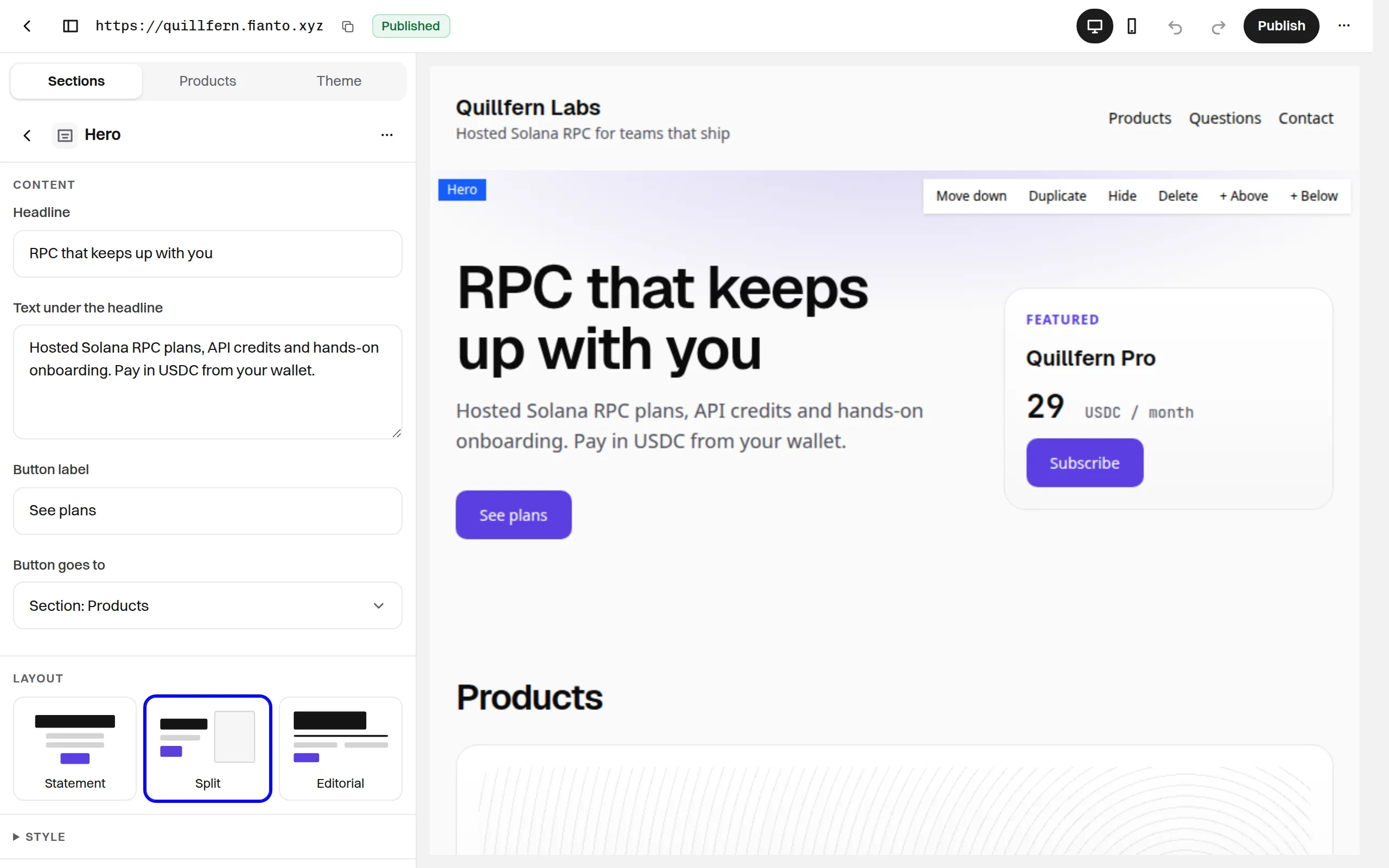
build it in the dashboard under Shop, in the Billing group: pick one of ten themes, arrange
sections, choose which products and prices it shows, and write what each buyer gets after paying.
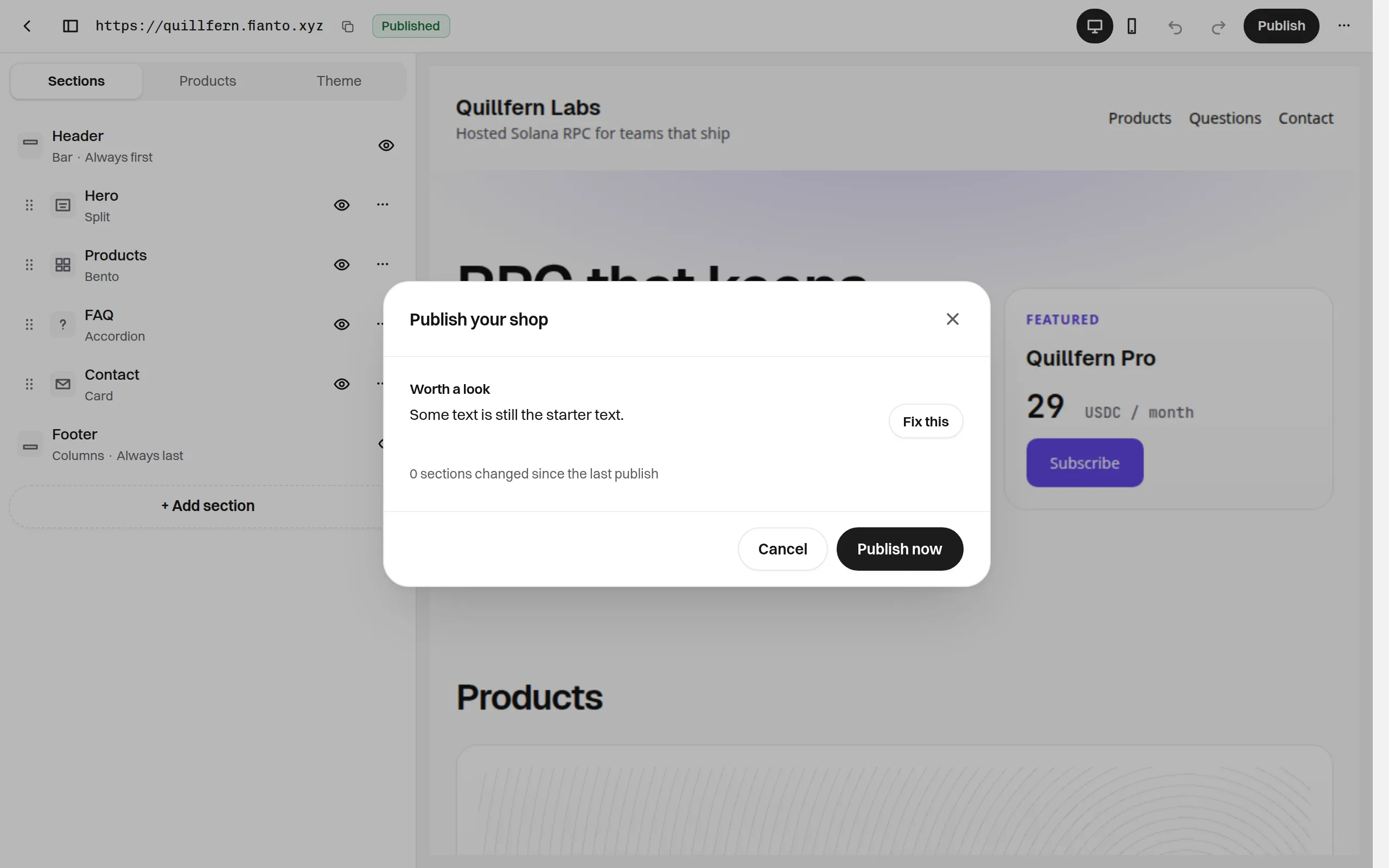
Then you publish it.
How a sale works
- A visitor opens your shop, picks a product and, on its page, one of its prices. They type their email when you ask for it, then click the product's button (Buy, Book, Join, Subscribe or Support, or your own label).
- The shop sends them to Fianto's checkout page for that one price. They pay from their Solana wallet, exactly as for any other checkout.
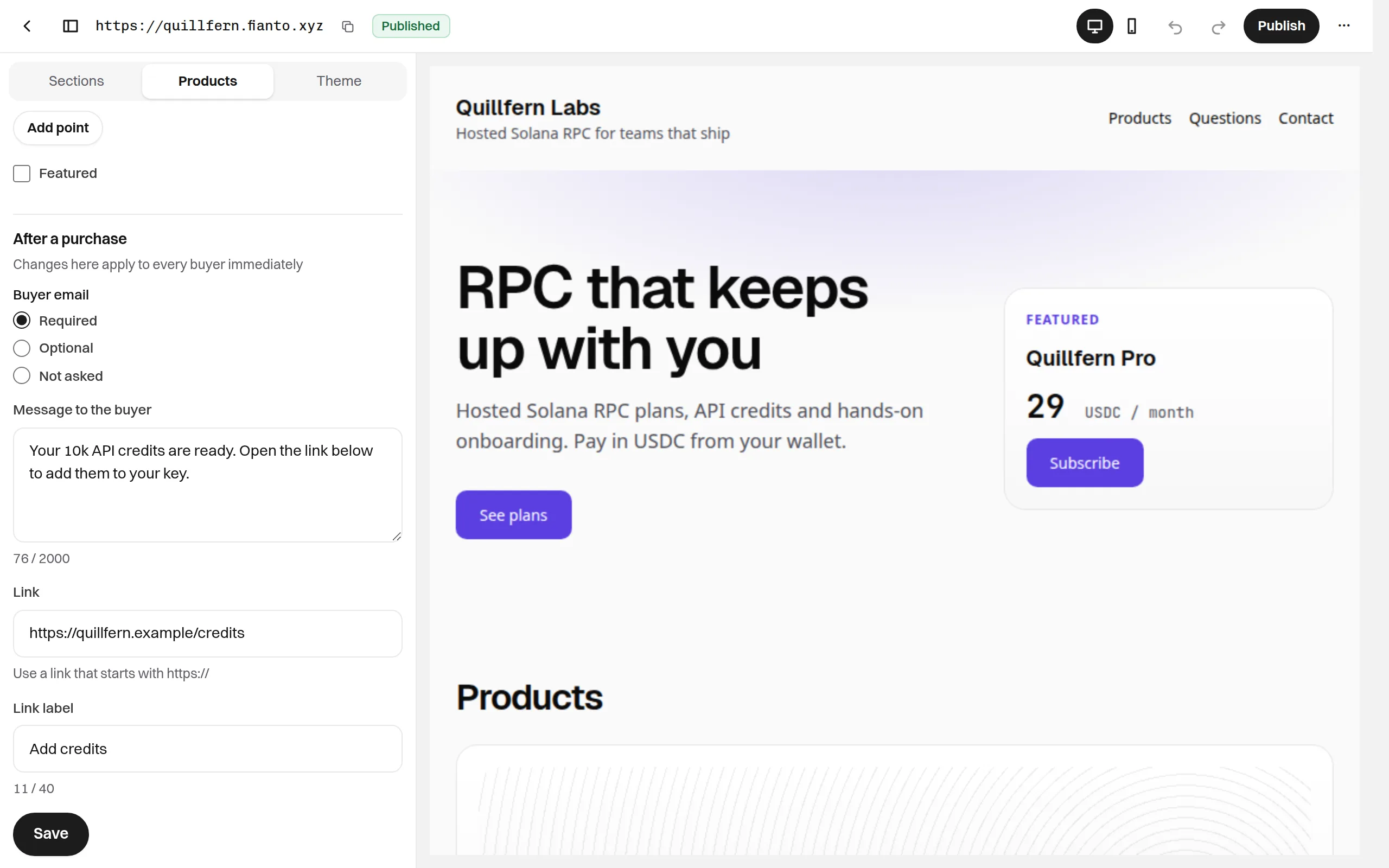
- Once the purchase is paid, the shop's receipt page shows the message and the link you wrote for that product, and Fianto emails both to the buyer if they gave an email.
- You get a "New sale:" email. The order, payment, customer and subscription appear in Orders, Payments, Customers and Subscriptions like any other sale.
Each purchase is one price of one product: there is no cart and no quantity. A shop is text only:
it has no picture fields and takes no custom HTML, CSS or code, and it lives only at
<name>.fianto.xyz (no custom domain). You have one shop per account.
What you can do
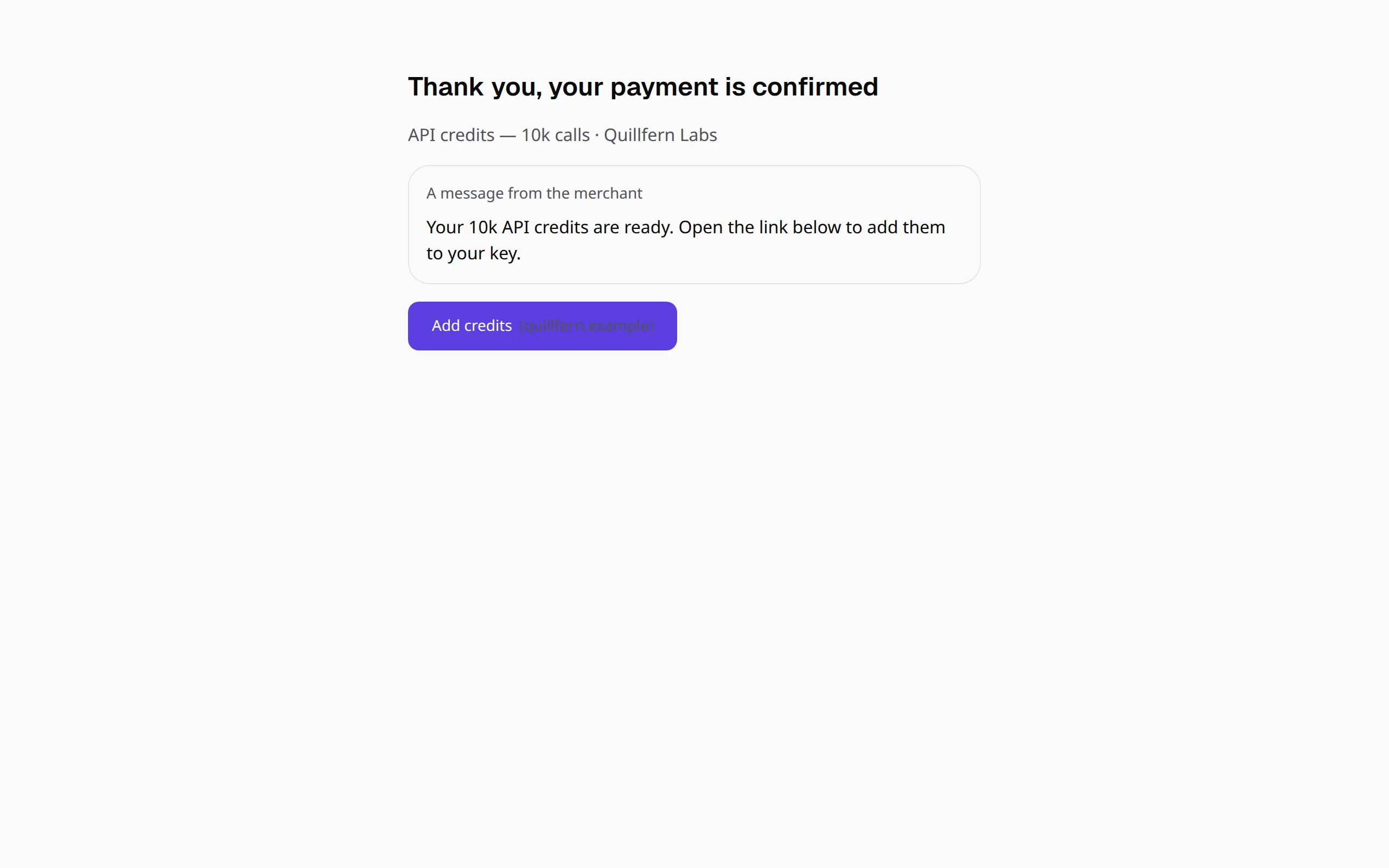
Before approval
You can design a shop before Fianto approves your account. The Shop page says "Design your shop now, publish after approval": the design stays on this device until then. It survives signing out, but signing in to another account in the same browser deletes it. After approval, the Shop page offers "Create your shop from the draft saved on this device". See Create your shop.
See also
Was this page helpful? Tell us